
Seller Strategies
How to Create an Addiyon Listing That Serious Buyers Trust
A practical seller guide for taking honest product photos, writing searchable titles, describing condition, setting a sensible ETB price, handling messages safely, verifying payment, and closing the listing.
Aug 19, 2026 · 10 min read
The best marketplace listing is not the one with the loudest caption. It is the one that answers a buyer's obvious questions before they need to call: What exactly is it? Is it the real item? What is wrong with it? What comes with it? Where is it? And is the price serious?
A few clear photos and an honest description save time for both sides. They also make strange payment requests and copied listings easier to spot.
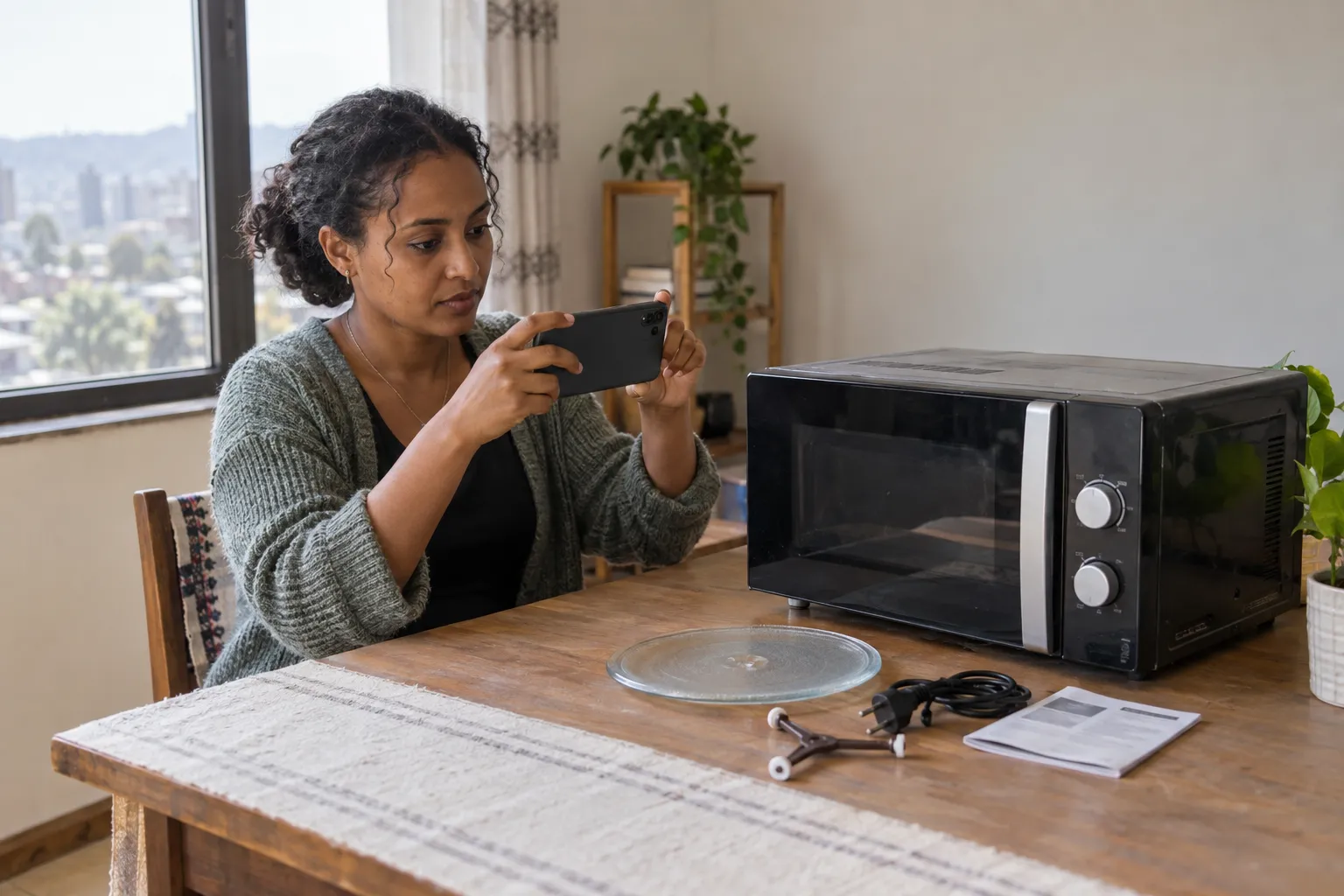
Image: Created for Addiyon.
1. Clean the Item and Set Up the Shot
- Wipe dust and fingerprints away without hiding scratches or damage.
- Use daylight near a window or outdoors in open shade. Avoid hard midday shadows.
- Choose a plain, uncluttered background that contrasts with the item.
- Turn off beauty filters, portrait blur, and colour effects that change the real condition.
- Use the rear camera, tap to focus, and keep the phone steady.
- Do not photograph serial numbers, identity documents, house keys, family photos, or private information unless that detail is genuinely needed and safe to share.
Google's product image guidance is written for merchants, but its basics work well for classifieds too: show the actual product clearly, avoid placeholders and promotional overlays, use additional views, and make sure the image matches the listed variant.
2. Photograph What the Buyer Will Receive
Start with one clean cover photo showing the whole item. Then make the rest of the gallery an inspection tour.
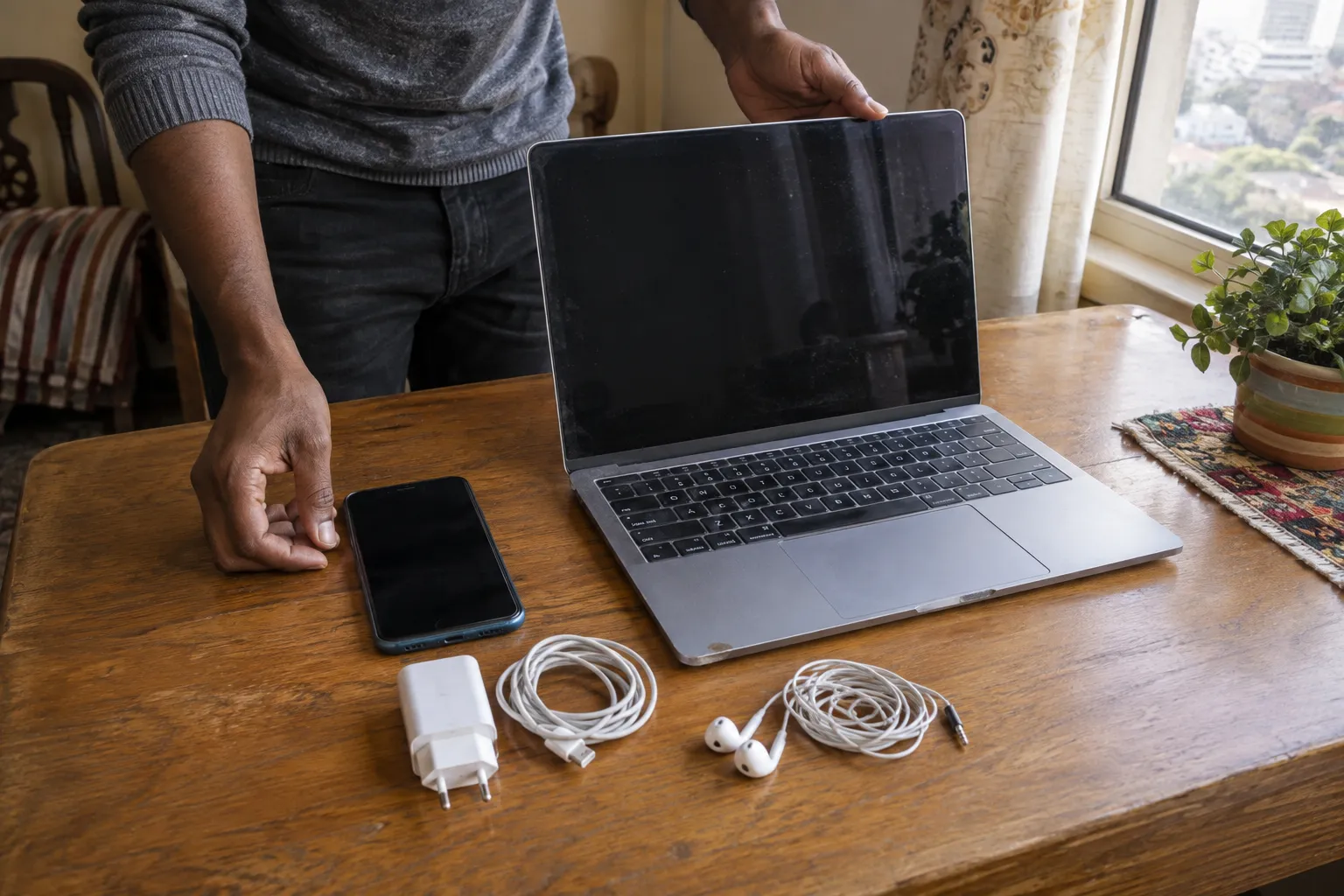
Image: Created for Addiyon.
- Photograph the front, back, both sides, top, bottom, and important controls.
- Include every accessory that is part of the price, such as charger, box, remote, case, spare key, or receipt.
- Take close-ups of the model label and relevant specifications while covering sensitive serial-number portions when appropriate.
- Show every scratch, crack, dent, stain, repair, missing part, and warning light clearly.
- For electronics, include a photo of the device powered on and a settings screen showing the model and storage without exposing accounts.
- For furniture or appliances, add measurements and photograph scale, plugs, connections, doors, shelves, and interior condition.
- For vehicles or property, use wide photos plus detailed photos of documents and defects, with private identifiers redacted from the public listing.
Tip
Put a small handwritten note with the date or seller username beside the item in one extra photo. It helps show that the seller currently has the item, but it is not a substitute for in-person inspection.
3. Write a Title People Can Search
“Urgent,” “best price,” and emojis do not tell a buyer what is being sold. Put the identity of the item first.
Good title pattern: Brand + model + important specification + condition
- Laptop: Lenovo ThinkPad T14 Gen 2, i5, 16GB RAM, 512GB SSD, Used
- Phone: Samsung Galaxy S23, 256GB, Dual SIM, Good Condition
- Sofa: Three-Seat Fabric Sofa, Grey, Used
- Car: Toyota Corolla 2018, Automatic, Petrol
Google's product-data guidance similarly recommends putting important details early because titles can be cut short and accurate data helps people find the right product.
- Use the real brand and exact model.
- Add the specification buyers compare most often: size, storage, RAM, year, fuel, transmission, or dimensions.
- Avoid ALL CAPS, repeated emojis, unrelated brand names, and claims such as “original” that the listing cannot support.
- Do not write “free” or use a fake 1 ETB price to attract clicks.
4. Describe the Condition Without Sales Fog
“Clean” and “like new” mean different things to different people. Describe facts.
- Say how long the item was used and whether the seller is the owner, shop, or broker.
- List the exact model, specification, colour, size, and included accessories.
- Explain what works, what does not, and any intermittent problem.
- Disclose repairs, replaced parts, repainting, refurbishment, liquid exposure, and account or finance status where relevant.
- State whether the original box, receipt, warranty, title, or service history is available.
- Give a useful location, but do not publish a private home address.
- Explain whether delivery is available, who pays, and when payment is due.
Do not paste a manufacturer's description for a different version. Ethiopian Telegram listings commonly use short specification blocks and words like “slightly used” or “negotiable.” Buyers still need the exact condition of this particular item.
5. Set a Price That Can Be Defended
Asking prices are not completed-sale prices, so compare several similar listings before choosing a number.
- Match brand, exact model, year, specification, condition, accessories, and location.
- Separate the value of upgrades from what they originally cost. Buyers may not value them equally.
- Subtract realistic repair or replacement costs for missing and damaged parts.
- Decide the lowest acceptable price privately, then leave only a reasonable negotiation margin.
- State whether the price is fixed or negotiable.
- Include broker commission or other mandatory charges clearly instead of revealing them later.
- Recheck the market if the listing receives no serious interest after several days.
Warning
A fake low price may create more messages, but it attracts the wrong buyers and damages trust. Use the real ETB price whenever the platform asks for one.
6. Answer Buyers Clearly and Protect Your Privacy
- Reply to questions the listing does not already answer and correct mistakes promptly.
- Keep early communication in the platform chat so there is a record.
- Do not send OTPs, PINs, passwords, account-reset links, full ID photos, or card details.
- Avoid clicking “payment confirmation” links sent by strangers.
- Do not install an app or share your screen to receive money.
- Agree on the item, final price range, inspection plan, meeting place, and payment method before travelling.
- Expect some no-shows, but do not demand a risky reservation deposit from every buyer.
The INSA online-scam warning highlights impersonation and nonexistent sales. Honest photos, consistent details, and keeping a chat record help real buyers distinguish a genuine listing from copied content.
7. Meet and Get Paid Safely
Choose a calm cafe, bank branch, service centre, or established shop with staff and cameras. A crowded roadside market can be public but still make inspection and payment verification difficult.
- Bring support for a high-value sale and tell someone where the meeting is happening.
- Let the buyer inspect the item properly while keeping it and its documents in sight.
- Agree on the final price before payment starts.
- Verify a bank or mobile-money transfer inside your own official app. Check sender, amount, reference, and available balance.
- Do not accept screenshots, forwarded SMS messages, pending transfers, or promises that support will release the money after a fee.
- Never refund an alleged overpayment until the provider confirms what happened.
- Give a signed receipt with the item, serial or identifying detail, condition, price, date, and both parties' names where appropriate.
Ethio telecom's fraud-awareness guidance warns about fake apps, deceptive calls and messages, and requests for PINs or passwords. No genuine buyer needs the seller's secret code to send a payment.
8. Close the Listing Properly
- Mark the listing sold or remove it as soon as the deal is complete.
- Do not leave a sold listing active only to collect phone numbers for another item.
- Keep the receipt, payment reference, listing copy, and chat for your records.
- Remove public photos that expose identifiers no longer needed online.
- If the item remains available, update the price, condition, photos, and included accessories when anything changes.
Before You Publish
Use real photos. Name the exact item. Show the flaws. Write the actual specification. Set a real price. Protect private information. Explain how inspection and payment will work. A trustworthy listing may receive fewer random messages, but the conversations it starts are much more useful.
Related articles

Marketplace Guides
Top 10 Online Marketplaces in Ethiopia to Explore in 2026
Explore ten active Ethiopian marketplaces for local listings, independent shops, telebirr shopping, and cars, with a picture and practical guide to each.
Sep 20, 2026 · 8 min read
Technology & Phones
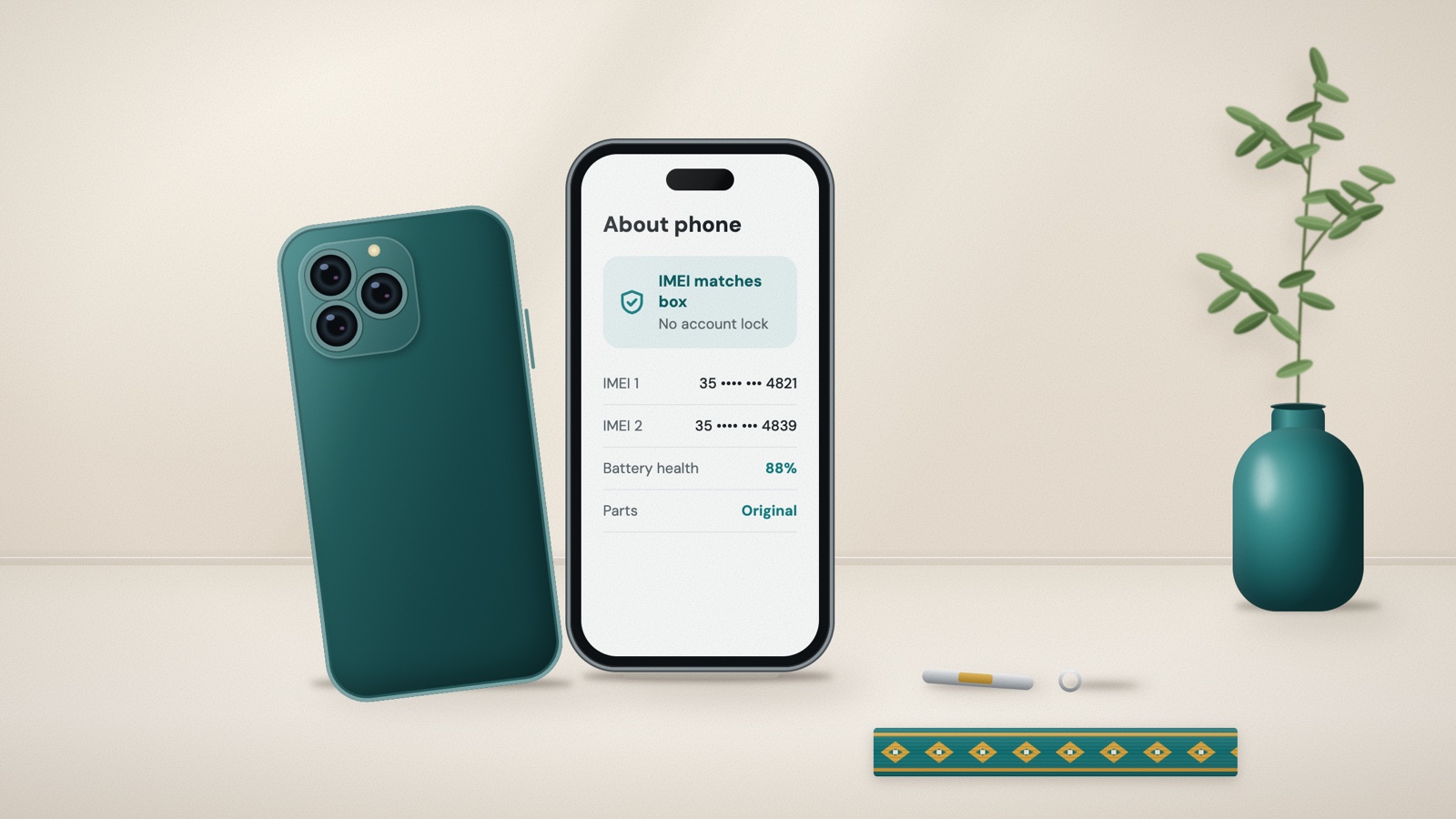
Buying a Used Phone in Ethiopia? Check These Things Before You Pay
A practical, Ethiopia-focused used-phone checklist: spot risky Telegram deals, verify IMEI and account locks, test replaced parts, battery, cameras, and local network service, then document the sale.
Aug 15, 2026 · 11 min read
Technology & Buying Guides
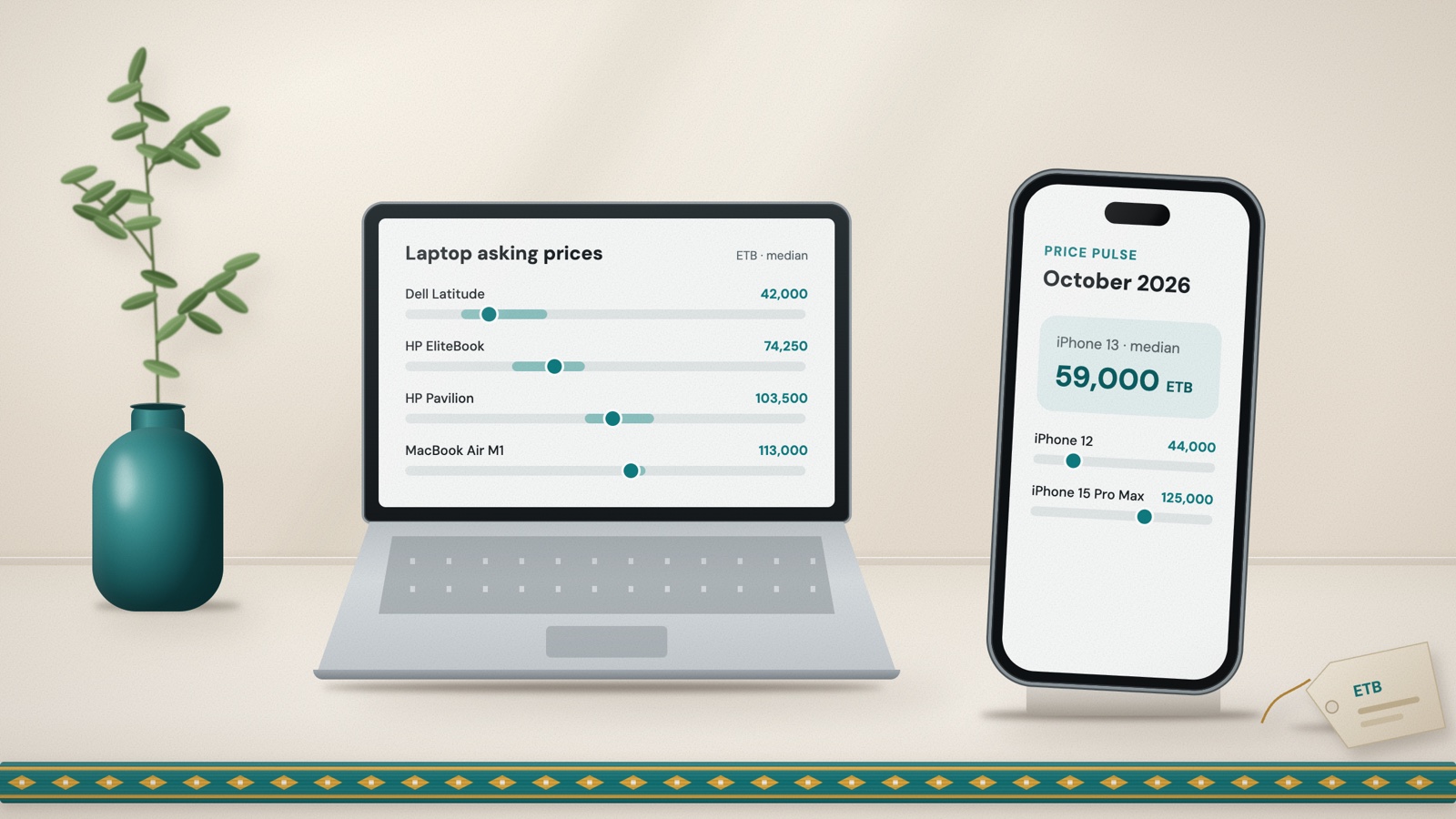
Phone and Laptop Prices in Ethiopia: October 2026 Price Pulse
Median asking prices and typical ranges for popular iPhones, Samsung, Tecno and Xiaomi phones, and HP, Dell, Lenovo, Asus and MacBook laptops, from 1,700+ Addiyon listings published between 10 September and 9 October 2026.
Oct 10, 2026 · 10 min read